How to Set Screen Time Limits on iPhone
A step-by-step guide to iPhone Screen Time: app limits, Downtime, Always Allowed, a Screen Time passcode and the settings that make limits actually stick.

Are dumbphones worth it? The main types of minimalist phone, what you gain and lose, network pitfalls and a cheap way to test life without a smartphone.
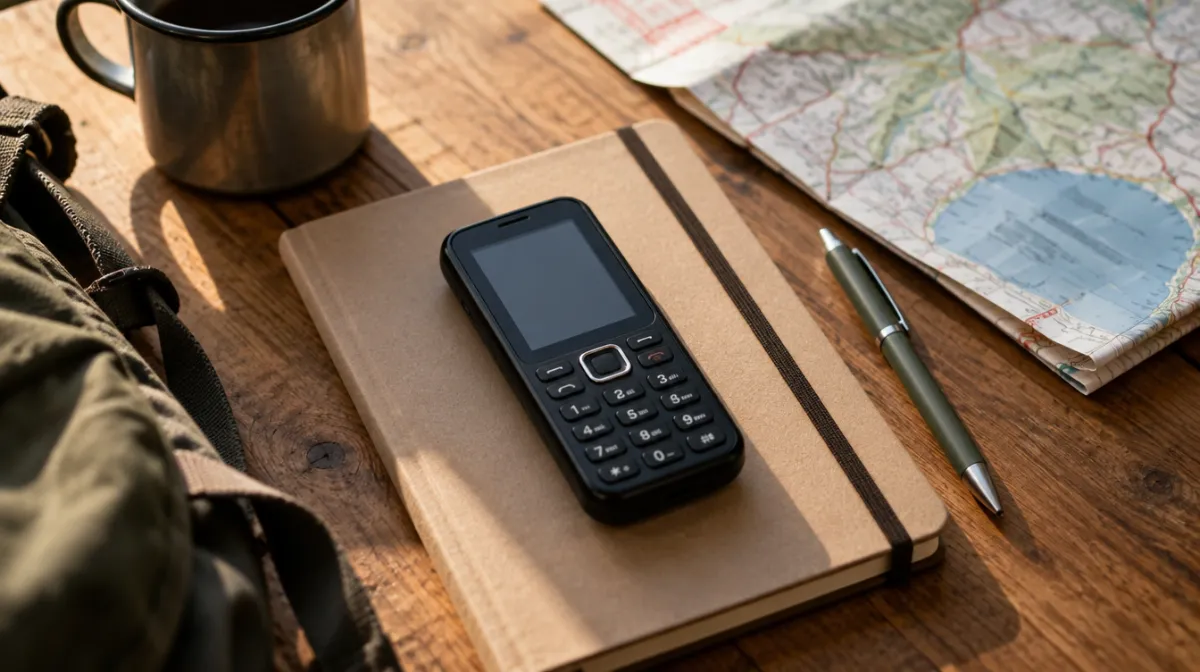
Dumbphones, simple phones that do little more than call and text, have gone from retro curiosity to a genuine trend among people who feel their smartphone has taken over. They can be life-changing, or a frustrating week that ends in a drawer. Here’s how to tell which it will be for you.
| Type | What it does | Watch out for |
|---|---|---|
| Basic feature phone | Calls, texts, maybe a simple camera | Slow typing, weak group messaging |
| Minimalist phone | Calls, texts plus a few chosen tools, such as maps or music | Higher price, limited app choice |
| Restricted smartphone | A smartphone with most apps locked down | Tempting to unlock again |
| DIY dumbed-down smartphone | Your own phone with apps deleted and blocks set | Easy to undo |
The hard part is everything smartphones quietly do for us:
Make a list of everything you did on your phone last week, and decide how you’ll handle each one before you switch.
Many people settle on a hybrid: a simple phone goes out with them, while the smartphone stays at home as a utility for banking, tickets and photos. It keeps what’s essential and removes the pocket-sized temptation.
Spend two weeks running your smartphone as a dumbphone: delete everything except calls, texts, maps and genuinely essential apps, turn on grayscale and add an app blocker for anything you can’t delete. If you love it, a dedicated device will be easier still. If you miss too much, you’ve learned which parts of your smartphone are worth keeping.
For the wider philosophy behind cutting back, read our beginner’s guide to digital minimalism.
Usually not, or only in limited form. Some minimalist phones offer simple messaging tools, but group chats are often the biggest trade-off.
They can make a sensible first phone: calls and texts without social media. Check it works on your network and agree rules for use.
Many banks rely on app-based security. Check whether yours offers alternatives, such as card readers or text codes, before switching.
Every article is edited by a human and checked against our editorial policy. Spotted a mistake? Tell us.
A step-by-step guide to iPhone Screen Time: app limits, Downtime, Always Allowed, a Screen Time passcode and the settings that make limits actually stick.
How to set up Digital Wellbeing on Android: the dashboard, app timers, Focus mode and Bedtime mode, plus Family Link for kids and tips that make limits stick.
Does turning your phone grayscale really cut screen time? What small studies found, why colour matters, how to set it up on iPhone and Android, and its limits.