How to Set Screen Time Limits on iPhone
A step-by-step guide to iPhone Screen Time: app limits, Downtime, Always Allowed, a Screen Time passcode and the settings that make limits actually stick.

Does turning your phone grayscale really cut screen time? What small studies found, why colour matters, how to set it up on iPhone and Android, and its limits.
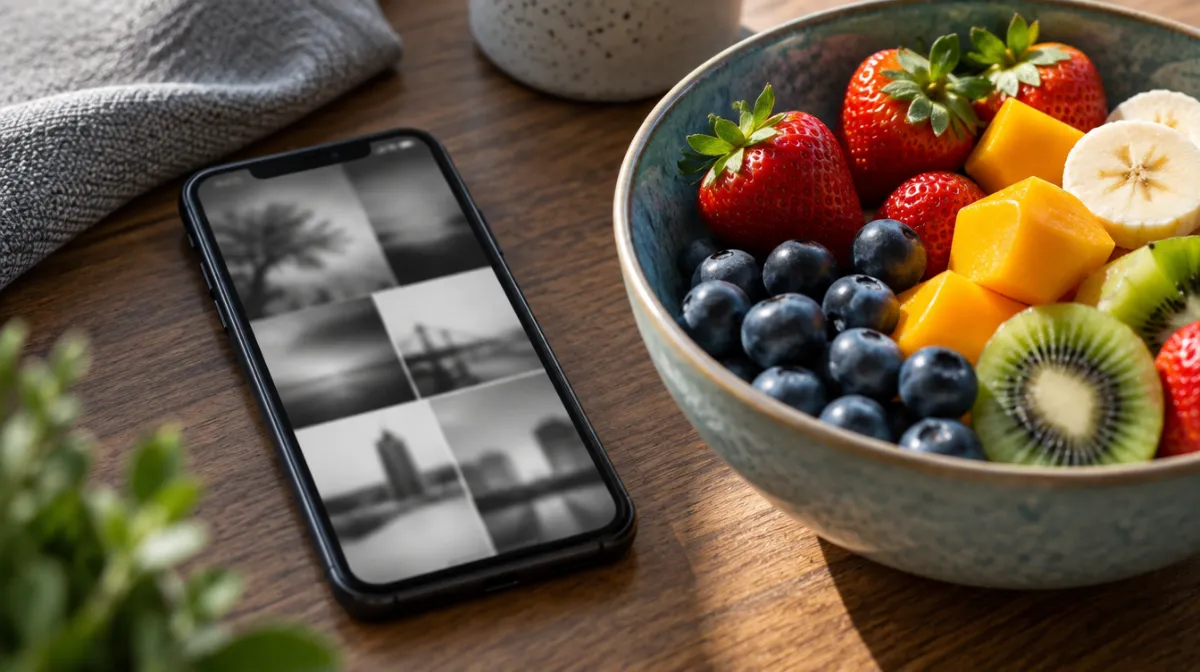
Turning your phone black and white sounds like a gimmick. But it’s one of the most popular tips in digital wellbeing circles, and there’s some evidence behind it. Here’s what it does, what the research found and how to try it.
App designers use colour deliberately. Bright icons stand out on the home screen, red notification badges signal urgency, and vivid photos and videos make feeds more rewarding to scroll. Grayscale doesn’t change what an app does, but it makes everything look a little flatter and less appealing.
The evidence is small but consistent. In one study published in The Social Science Journal, college students who switched their phones to grayscale used them noticeably less than before. Other small experiments have found similar drops in screen time, with less consistent effects on mood and wellbeing.
That fits what users report: grayscale reduces the pull of mindless browsing, but doesn’t fix the habit on its own. Think of it as friction, like moving apps off the home screen, rather than a cure.
Go to Settings > Accessibility > Display & Text Size > Colour Filters, turn on Colour Filters and choose Grayscale. For quick switching, set Settings > Accessibility > Accessibility Shortcut to Colour Filters, then triple-click the side button to toggle it. You can also schedule it with an automation in the Shortcuts app.
The easiest route is Bedtime mode in Digital Wellbeing, which can turn the screen grayscale on a schedule. For all-day grayscale, many phones have an option under Settings > Accessibility, often called colour correction; the exact menu varies by manufacturer.
| Pros | Cons |
|---|---|
| Free and reversible in seconds | Photos, maps and videos look worse |
| Makes feeds and games less appealing | The habit can persist in grayscale |
| Works with any app | Easy to switch off when tempted |
| Can be scheduled for evenings | Some notifications rely on colour cues |
If video apps are your main problem, grayscale can help a little, but a firmer plan works better. Here’s how to quit short-form video.
There’s no good evidence either way. Its main benefit is making your phone less appealing, which can lead to less late-night use.
No. Colour filters only change how your screen looks. Photos and screenshots are saved in full colour.
Some people notice they pick up their phone less within days. Give it two weeks before judging, and check your screen time numbers rather than relying on memory.
Every article is edited by a human and checked against our editorial policy. Spotted a mistake? Tell us.
A step-by-step guide to iPhone Screen Time: app limits, Downtime, Always Allowed, a Screen Time passcode and the settings that make limits actually stick.
How to set up Digital Wellbeing on Android: the dashboard, app timers, Focus mode and Bedtime mode, plus Family Link for kids and tips that make limits stick.
App blockers compared by approach: built-in limits, scheduled blockers, pause-before-open apps, focus timers and browser extensions, with pros, cons and tips.