Dopamine Detox: What the Science Actually Says
Does a dopamine detox work? What dopamine really does, why the popular version is a myth, and the evidence-based habits that deliver what a detox promises.

Practical ways to stop checking your phone at work: why the urge happens, Focus modes, notification summaries, physical distance and a check-in schedule.
You sit down to write a report, and ten minutes later you’re reading about a celebrity you don’t care about. You didn’t decide to check your phone. Your hand did. Here’s why it happens and how to stop it without becoming unreachable.
Switching tasks has a cost. Researchers call part of it attention residue: when you jump to your phone and back, part of your mind stays on what you just saw, so you return to work slower and less sharp. A single check might take thirty seconds; getting properly back into deep work can take much longer.
The urge itself is usually about escape, not information. Phones offer instant relief from anything difficult, boring or uncertain, which is exactly what real work often feels like.
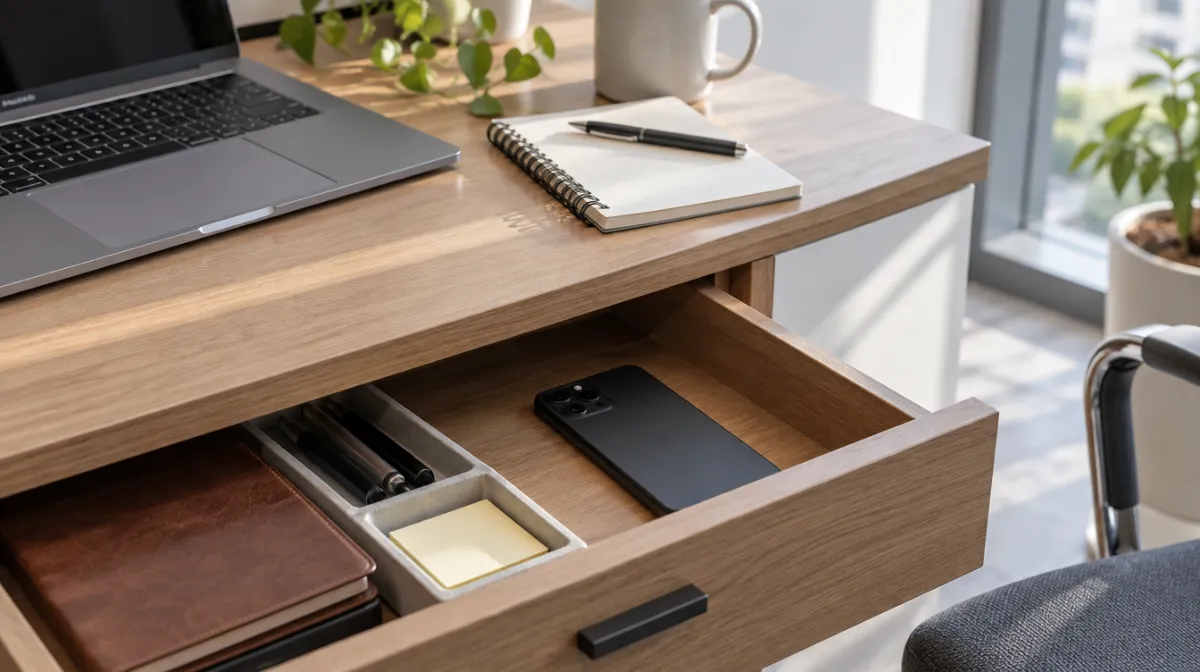
The simplest, strongest change: out of sight, out of reach. Put your phone in a drawer, your bag or another room during focused work. Face down on the desk is better than face up, but still within easy reach, so the urge wins more often.
For step-by-step settings, see our guides to Screen Time on iPhone and Digital Wellbeing on Android.
Decide when you will look, so you don’t have to keep resisting. A common pattern is to check at natural breaks: mid-morning, lunch and mid-afternoon. Between those times, the phone stays away.
| Trigger | Try this |
|---|---|
| A tricky task | Write the next tiny step before you stop |
| Waiting for a file to load | Stretch, drink water or look out of the window |
| A buzz or light | Turn off non-essential notifications |
| Boredom in meetings | Leave the phone at your desk and take a notebook |
| Fear of missing something | Allow calls from key people through your Focus |
If you keep failing despite good intentions, add harder blocks with an app blocker during work hours. And ask what the checking is doing for you. If it’s relief from constant pressure or dread about work, the problem may be the workload, not the phone. Adult Counselling explains the signs of burnout and how to recover.
Not if the people who genuinely need you can get through. Tell colleagues how to reach you urgently, and keep scheduled check-ins for everything else.
For many people, yes. A visible phone is a constant cue, and each glance invites a check. Out of sight is simply easier.
Use a cheap kitchen timer, your computer’s clock or a desk calculator. Every “quick” utility trip to your phone is a chance to get distracted.
Every article is edited by a human and checked against our editorial policy. Spotted a mistake? Tell us.
Does a dopamine detox work? What dopamine really does, why the popular version is a myth, and the evidence-based habits that deliver what a detox promises.
What research says about screens and sleep: blue light versus stimulating content, why bedtime scrolling delays sleep, and changes that make a difference.
A beginner’s guide to digital minimalism: what it means, how a 30-day declutter works, which tech to keep, and rules for a calmer, more intentional phone.