How to Set Screen Time Limits on iPhone
A step-by-step guide to iPhone Screen Time: app limits, Downtime, Always Allowed, a Screen Time passcode and the settings that make limits actually stick.

Step-by-step focus mode setup for iPhone, Android, Mac and Windows: which modes to create, who to allow, schedules, automation and tips that make them stick.
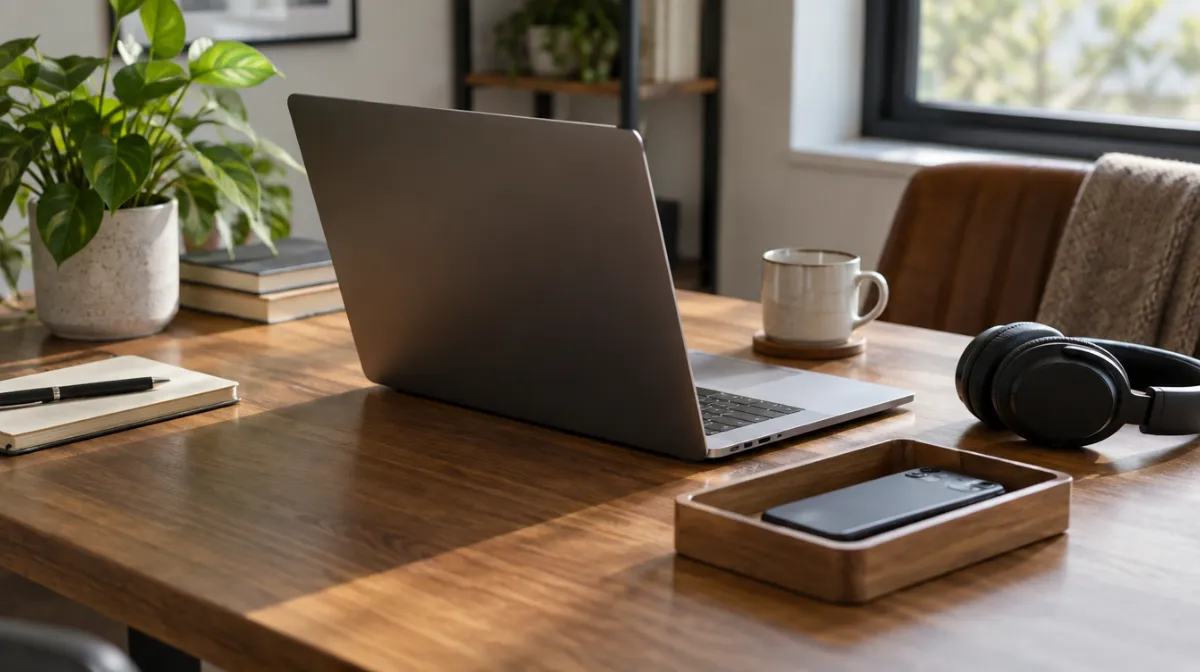
Focus modes let you decide in advance which people and apps can reach you, and when. Instead of fighting every buzz, you set up a few modes, such as Work, Evening and Sleep, that silence everything except what matters in that part of the day. Most phones and computers now include them: Focus on iPhone and Mac, Do Not Disturb (or Modes) and Focus mode on Android, and Do Not Disturb and Focus sessions on Windows. Here’s how to set them up so they actually help.
| Mode | When | Allow | Silence |
|---|---|---|---|
| Work | Working hours or deep-work blocks | Key colleagues, calendar, work chat (maybe) | Social media, news, shopping, games, personal group chats |
| Evening | After work until bedtime | Family, close friends | Work email and chat, social and news alerts |
| Sleep | Bedtime to morning | Favourites and repeated calls | Everything else |
Start with these. You can add others, such as Driving or Exercise, once the basics are working.
With “Share Across Devices” on, a Focus you turn on on your iPhone also applies to your Mac and iPad. You can also share your Focus status so people see that you have notifications silenced.
Android phones have two complementary tools:
To set up:
Samsung phones also offer Modes and Routines, which can switch settings automatically based on time or location. Menu names vary by manufacturer and Android version. Our Digital Wellbeing guide covers more of these tools.
Open System Settings, then Focus. Create or edit modes, allow specific people and apps, and set schedules. Focus modes can sync from your iPhone. For deep work, pair a Work Focus with a full-screen app and your email closed.
| Tool | What it adds |
|---|---|
| Notification settings | Fewer alerts to filter in the first place; see taming notifications |
| App blockers | Blocks apps and websites entirely during set times; see app blockers compared |
| Screen time limits | Daily caps for apps you overuse; see Screen Time on iPhone |
| Grayscale | Makes the screen less appealing; see grayscale mode |
Do Not Disturb silences almost everything. A Focus mode is a customised version that lets chosen people and apps through, and can change your screens and filters.
Not if you allow calls from favourites and turn on repeated calls, so a second call within a few minutes gets through.
Most people do best with three: Work, Evening and Sleep. Too many modes become another thing to manage.
Every article is edited by a human and checked against our editorial policy. Spotted a mistake? Tell us.
A step-by-step guide to iPhone Screen Time: app limits, Downtime, Always Allowed, a Screen Time passcode and the settings that make limits actually stick.
How to set up Digital Wellbeing on Android: the dashboard, app timers, Focus mode and Bedtime mode, plus Family Link for kids and tips that make limits stick.
Does turning your phone grayscale really cut screen time? What small studies found, why colour matters, how to set it up on iPhone and Android, and its limits.